A practical recovery technology guide

How to choose a recovery app you can trust

A recovery app may hold your sobriety date, private writing, daily routine, and the resources you reach for on difficult days. Before trusting one, ask more than whether it has the right features.

Use the nine-point checklist

Written by the creator of AA Just Today, an independent app built by someone in recovery.
Trust is a feature

The most impressive feature list means little if the app loses an entry, hides the real price, makes important tools hard to read, or leaves you wondering what happened to your information. A dependable recovery app should earn trust in ordinary use, not just in screenshots.

You do not need one app to do everything. You need a setup that is understandable, reliable, and easy to return to. Use the questions below for any recovery app you are considering, including ours.

Creator disclosure: This guide is published by AA Just Today. We created the app discussed near the end, so this is not a neutral product ranking. The checklist stands on its own whether you use our app, another app, paper, or several separate tools.

Is the privacy policy understandable?

A recovery app may contain information you would not put in a public profile. Before adding a sobriety date, journal entry, gratitude list, location, or account details, look for a privacy policy written clearly enough to answer basic questions.

  • Which information is collected, and which information stays only on your device?
  • Is data shared with analytics, advertising, payment, or other service providers?
  • Can you delete your account and associated cloud data?
  • Is there a support address for privacy questions?

Practical test: If the policy is vague about writing, location, or account data, ask the developer before trusting the app with something irreplaceable.

Will your writing save reliably?

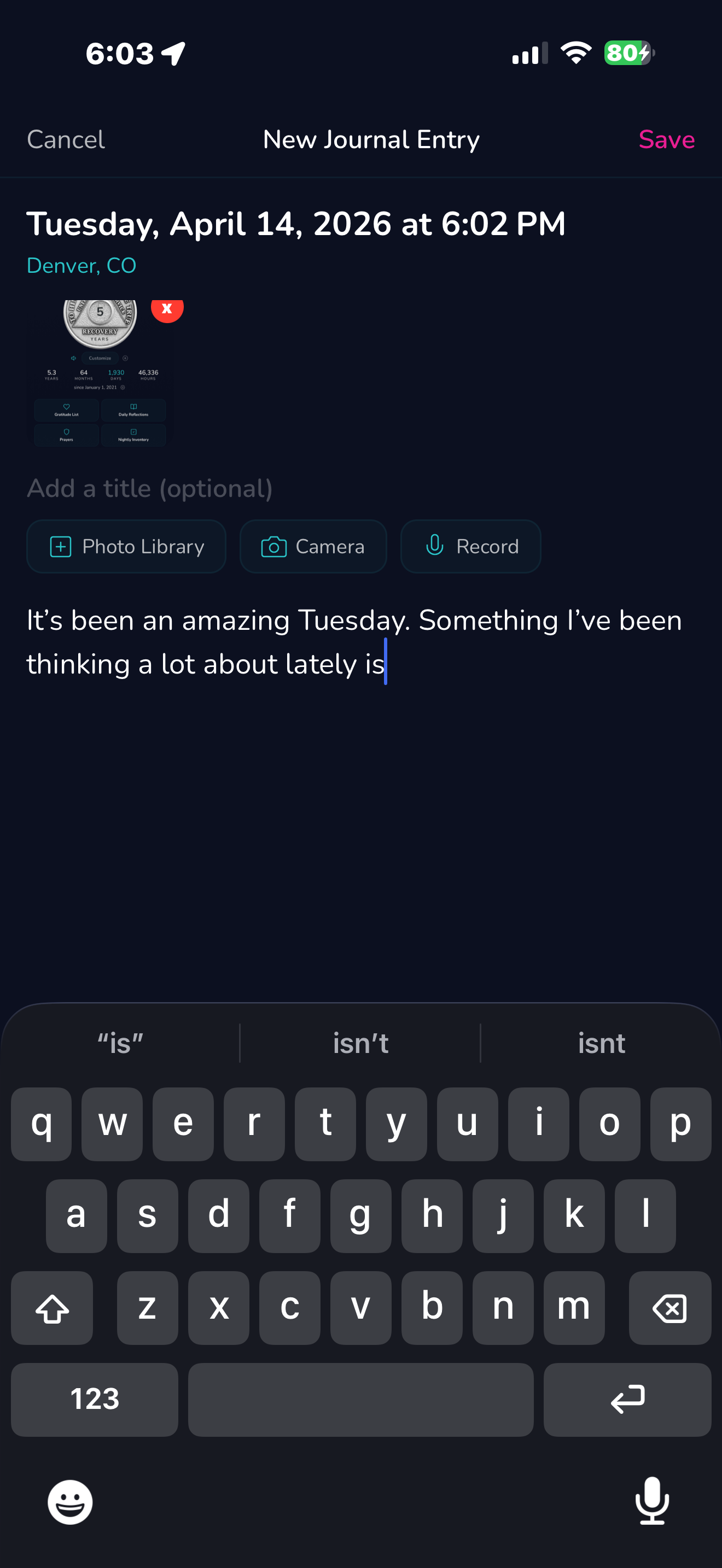
Journals and gratitude lists should not depend on a perfect connection or a perfect exit from the editor. Try a short test entry before writing something important.

  • Type, leave the app briefly, return, and confirm the draft is still visible.
  • Finish an entry, reopen it, and check that formatting and attachments remain intact.
  • Test what happens when the connection changes or the app is closed.
  • Look for a clear saved state instead of assuming the app kept everything.
Journal and gratitude writing tools in AA Just Today

Test with a disposable entry before trusting any app with important writing.

What syncs, exports, and deletes?

"Cloud sync" can mean different things. Some apps sync only account settings. Others sync text but keep downloaded audio and media on each device. Understand the boundary before assuming two devices will match.

  • Ask which record types sync and which remain device-specific.
  • Check how conflicts are resolved when the same item changes on two devices.
  • Look for an export path for writing or information you would not want to lose.
  • Confirm whether deleting an item removes it everywhere or only on one device.

Is the real price clear before you commit?

Good pricing explains what is free, what requires payment, how often a subscription renews, and what happens after a trial. You should not have to begin a purchase to learn the actual terms.

  • Compare monthly and yearly prices using the same time period.
  • Check whether a free trial turns into a paid subscription automatically.
  • Confirm which core functions remain available without Premium.
  • Know where to manage or cancel the subscription on your device.

What works when the connection does not?

Travel, buildings with weak reception, and service interruptions should not make every familiar resource disappear. Decide which tools matter enough to keep available offline.

  • Download a small number of trusted audio recordings in advance.
  • Keep essential readings, prayers, and important contact numbers available.
  • Know whether a new journal entry can be created offline and synced later.
  • Treat downloads as device-specific unless the app clearly says otherwise.
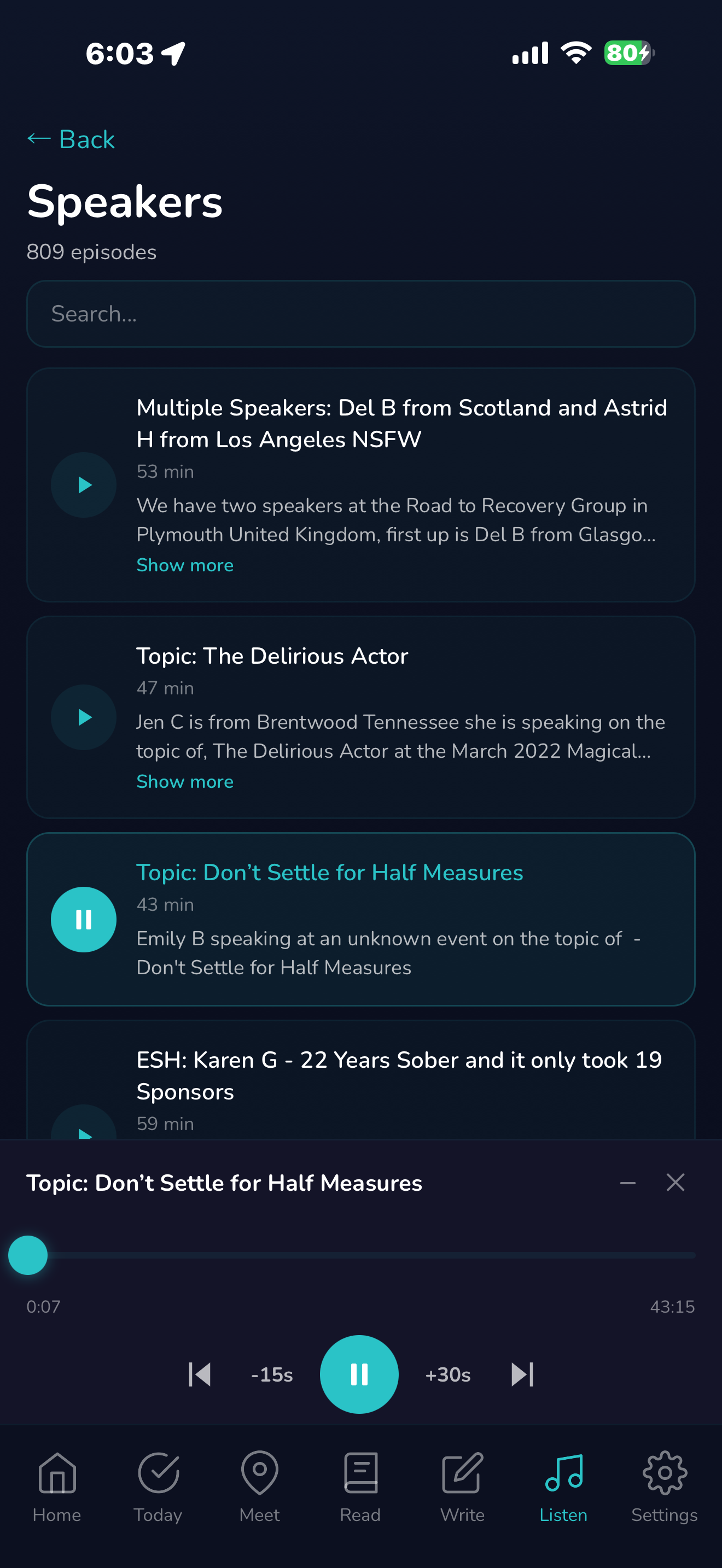
Recovery speaker audio in AA Just Today

Can you comfortably read and use it?

The app should remain usable when text size changes, when the screen is small, and when you are tired or distracted. Accessibility is not decoration. It determines whether the next action is actually within reach.

  • Try the text sizes you normally use and inspect every major screen.
  • Check contrast, button labels, touch targets, and selected states.
  • Make sure long text scrolls without trapping controls behind a dock or keyboard.
  • Look for typography that remains consistent in reading and writing views.

Can you reach a real support contact?

Every app has problems eventually. What matters is whether the developer can be reached, understands the issue, and updates users honestly.

  • Look for a working support page and email address.
  • Check whether the store listing has recent, specific update notes.
  • Describe problems with the screen, device, text size, and steps that caused them.
  • Do not send private journal content unless it is necessary and you choose to share it.

Does the app make responsible claims?

Be cautious when an app promises to prevent relapse, guarantee sobriety, replace treatment, or produce a medical outcome. Recovery is personal and complex. A trustworthy app explains what it does without pretending to do what only people, programs, or qualified professionals can do.

  • Features should be described specifically instead of through miracle language.
  • Crisis and emergency boundaries should be clear.
  • Affiliations should be accurate and easy to find.
  • User stories should not be presented as guaranteed outcomes.

Does it keep people at the center?

A recovery app should support the next human step. It can help you find a meeting, remember a practice, organize writing, or hear another person's experience. It cannot replace meetings, sponsorship, treatment, emergency care, or the people who know you.

Choose technology that reduces friction without making isolation more comfortable. If an app keeps you staring at the screen when you need to call someone, put the screen down.

A five-minute recovery-app scorecard

Use this quick check before moving important parts of your routine into a new app.

AreaQuestionGood evidence
PrivacyDo I understand what is collected?Specific policy, deletion controls, working contact
ReliabilityDoes a test entry survive interruption?Autosave, clear saved state, repeatable behavior
PortabilityCan I retrieve what matters?Export, sharing, or documented data request
PricingDo I know the total cost?Exact renewal period, trial terms, free-feature list
OfflineWhat remains available?Documented downloads and offline behavior
AccessCan I use it at my normal text size?Readable screens, reachable controls, smooth scrolling
SupportCan I reach a person?Current support page, email, useful release notes
BoundariesDoes it know what it cannot replace?No treatment promises; people remain central

For a separate checklist of tools to keep within reach, read What to Keep in a Digital Recovery Toolkit.

AA Just Today app icon and name

Creator disclosure

Why we built AA Just Today

We wanted meetings, sobriety milestones, readings, prayers, journaling, gratitude, nightly inventory, and speaker audio in one calm place. The core experience is free and has no ads, with optional Premium features. The app is independently developed and does not replace meetings, sponsorship, treatment, emergency services, or human connection.

Common questions

What should I look for in a recovery app?

Look for clear privacy and pricing, reliable saving and sync, useful offline access, readable design, responsive support, and features that help you connect with real people rather than isolate.

Should a recovery app replace meetings or a sponsor?

No. An app can make daily tools easier to reach, but it cannot replace meetings, sponsorship, professional treatment, emergency care, or human connection.

How can I tell whether an app will protect my journal?

Read the privacy policy, learn which entries sync and where files are stored, test autosave, look for export or deletion controls, and contact support before trusting the app with irreplaceable writing.

Is a free recovery app really free?

Check the store listing and purchase screen for the exact free features, subscription price, renewal period, trial terms, and cancellation process. Free to download does not always mean every feature is free.

Should downloads sync between devices?

Not necessarily. Large audio and media downloads are often stored separately on each device, while account information and text records may sync. The app should explain that boundary clearly.